
Gyro aiming
Move the phone and the crosshair follows. The phone's motion sensor does the fine aiming a thumbstick struggles with.
Product · Live on Google Play
An Android phone that plays as a PC game controller.
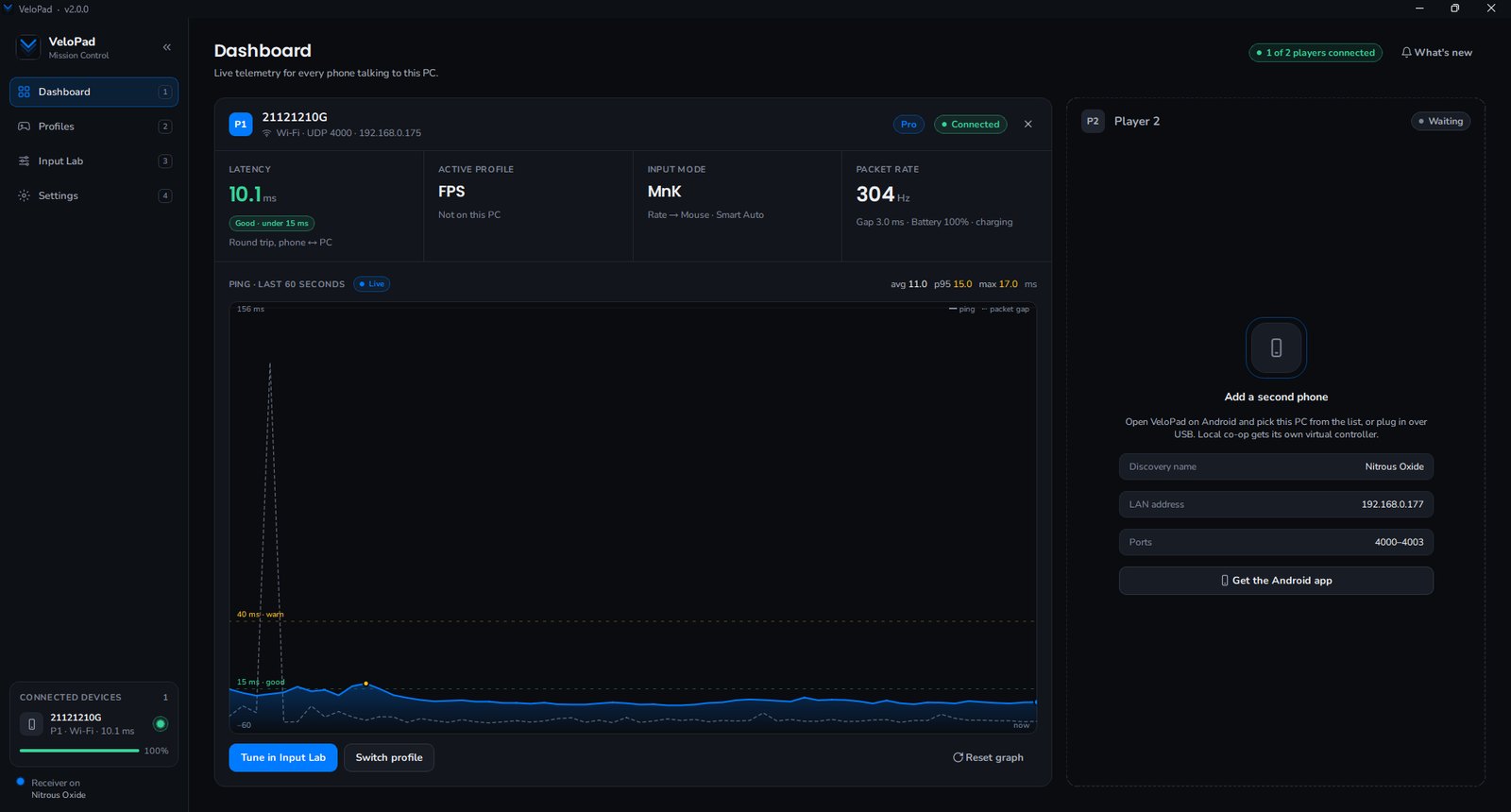
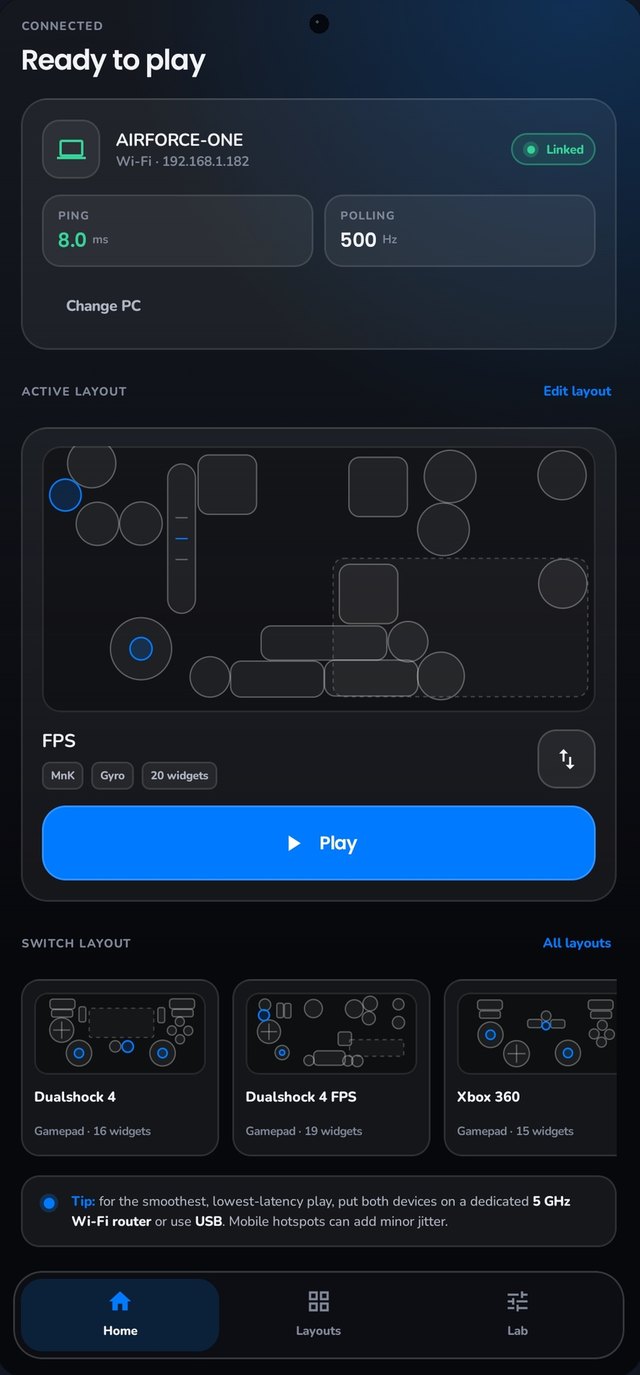
VeloPad was made for shooters, where precise aim matters most, and it works with PC games that take a controller or a mouse and keyboard.
Move the phone and the crosshair follows. The phone's motion sensor does the fine aiming a thumbstick struggles with.
The PC sees an Xbox controller, a DualShock, or a mouse and keyboard, depending on the layout you pick.
Play without a cable over Wi-Fi, or plug in over USB for the lowest latency.
Put buttons, sticks and touchpads where your thumbs want them, save the layout, and switch layouts per game.
VeloPad is three pieces of software that have to agree with each other many times a second.
Downloads, setup guides and everything else live on VeloPad's own site. You need a PC and a phone running Android 8.0 or later.